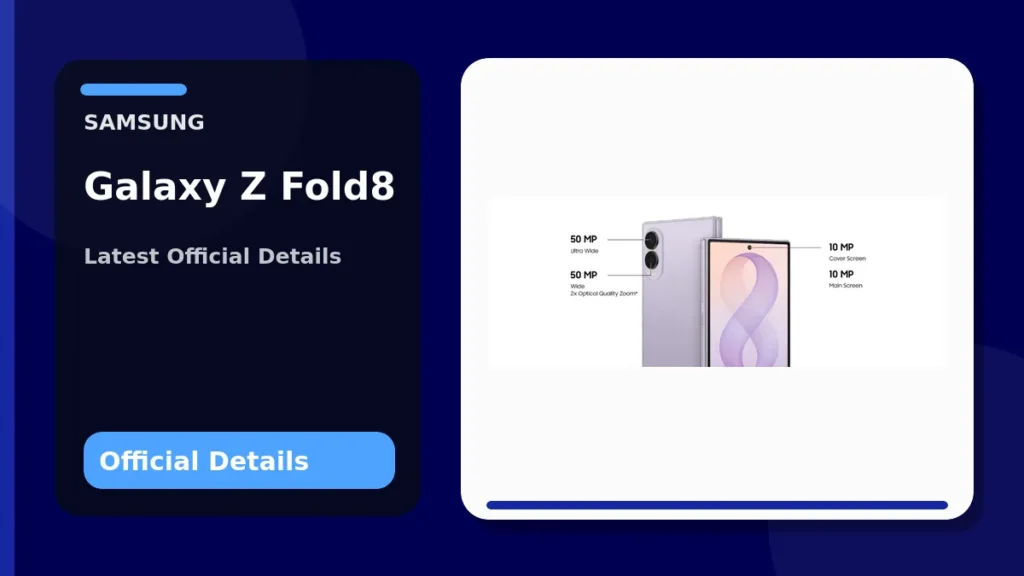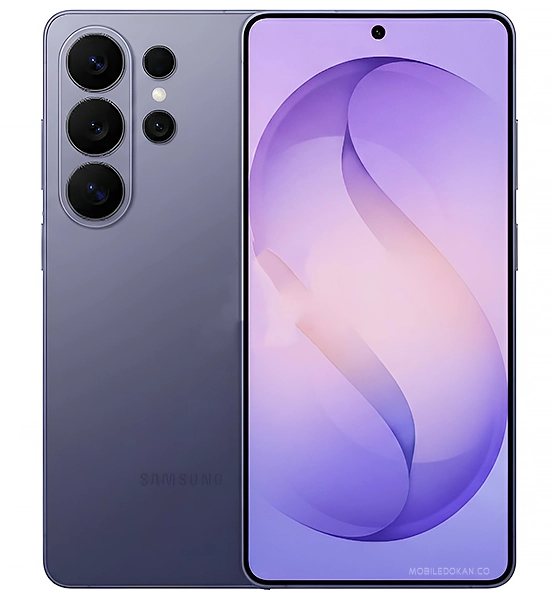
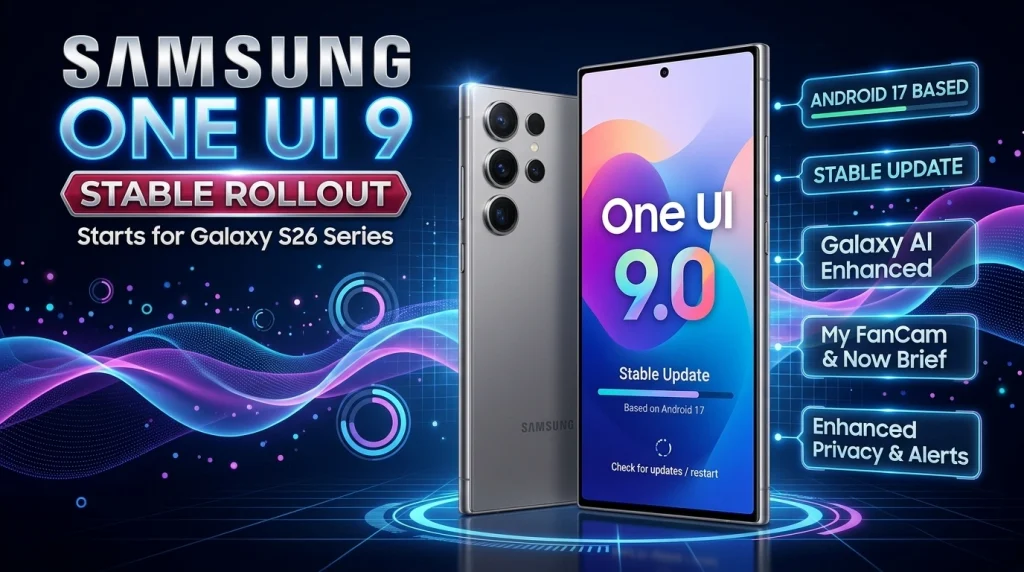
Samsung has started expanding the stable One UI 9 update to more Galaxy phones. On September 16, 2026, Samsung announced that the rollout is beginning with the Galaxy S26, Galaxy S26+ and Galaxy S26 Ultra, following One UI 9’s earlier debut on the Galaxy Z Fold8 Ultra, Z Fold8 and Z Flip8. The update adds new Galaxy AI tools, more configurable daily information, improved document and translation features, and additional privacy controls.
One UI 9 rollout: the key facts
- Wider rollout announced: September 16, 2026.
- First S-series devices: Galaxy S26, S26+ and S26 Ultra.
- Already on stable One UI 9: Galaxy Z Fold8 Ultra, Z Fold8 and Z Flip8, according to Samsung.
- Rollout is phased: timing and individual features can vary by market, carrier, language and device.
- Major additions: My FanCam, editable Now Brief cards, Warranty and Care, Now Nudge, Interpreter improvements, Document Scan upgrades, Security Brief and Privacy Alerts.
What changed from the One UI 9 beta story?
This is a separate development from Samsung’s beta expansion. Earlier in September, Samsung expanded the One UI 9 beta to devices including the Galaxy S25 series, Galaxy Z Fold7 and Galaxy Z Flip7 in selected markets. PhoneSpecX covered that testing phase in our One UI 9 beta rollout report. The September 16 announcement matters because Samsung is now extending the official stable release beyond the 2026 foldables and onto the Galaxy S26 family.
Samsung’s announcement does not provide a complete, dated stable-rollout calendar for every older eligible Galaxy phone. Owners of other models should therefore avoid treating unofficial schedules as confirmed release dates.
My FanCam automatically keeps a person centered
My FanCam is one of the more concrete creative additions. Samsung says it can select a person in a recorded video, track that subject and intelligently reframe the footage to keep the person centered. That can reduce manual cropping when editing performances, sports clips or other scenes where the subject moves around the frame.
Samsung notes that My FanCam requires a Samsung Account, depends on the video having a suitable subject to track, and does not guarantee perfect results.
Now Brief becomes more customizable
One UI 9 adds Generative and Editable Cards to Now Brief. Users can create cards around categories such as health, weather and video, giving them more control over what appears in their daily summary. Samsung says availability can vary by country, language, device and app, and some functions need a network connection.
Now Nudge is designed to surface context-aware next steps. Samsung’s example includes pulling up reservation details or saving a location shared during a conversation without forcing the user to leave the current flow. Supported apps and capabilities vary.
Warranty and Care moves support tools into Settings
The new Warranty and Care area puts several ownership and support functions directly in Settings. Depending on the market and device, Samsung says users can check warranty coverage for connected mobile devices, run self-diagnostics, view repair estimates, manage Samsung Care+ and book service appointments.
That does not mean every function will appear everywhere. Samsung specifically says warranty, repair-cost estimates, Samsung Care+ availability and service options vary by country, region and device.
Interpreter, Document Scan and Voice Recorder get practical upgrades
Interpreter gains a Thread View so previous translated exchanges are easier to reference. Samsung also says Conversation Mode translation is faster and compatible Galaxy Buds can provide quicker playback. Language packs, supported languages, regions and devices can affect availability.
Document Scan is being improved for difficult originals such as curved book pages and folded corners. Samsung also highlights large-screen-optimized views on compatible Galaxy devices and an improved Finger Eraser. Voice Recorder summaries can now use clearer structural elements such as headings and tables, making long recordings easier to scan.
Security Brief and Privacy Alerts add more visibility
Security Brief can bring security and privacy information into Now Brief, including warnings involving malware, apps from unknown sources and unnecessary permissions. Privacy Alerts use on-device AI to identify potential privacy risks such as unnecessary background permission-access attempts.
Samsung explicitly lists Privacy Alerts support for a selection of devices including the Galaxy S26, S26 Ultra, S25, S25 FE, S24, S24 FE, S23, S23 FE; recent Galaxy Z Fold and Flip models; and selected Galaxy Tab S11, S10 and S9 models. Feature support should not be confused with confirmation that every listed device is receiving the stable One UI 9 update on the same date.
Scam Detection expands to more markets
Samsung says Scam Detection is expanding to additional countries and languages, with Japan, Canada and India specifically named in the September 16 announcement. Availability still depends on country, language, device and One UI/OS version.
Which Galaxy phones are getting stable One UI 9 right now?
Samsung’s official September 16 announcement names the Galaxy S26, S26+ and S26 Ultra as the starting point for this expansion. It also states that One UI 9 had already rolled out to the Galaxy Z Fold8 Ultra, Z Fold8 and Z Flip8.
Samsung has separately run One UI 9 beta programs on additional devices, but beta eligibility is not the same as a confirmed stable-release date. If you own an older Galaxy model, the safest approach is to check Settings > Software update > Download and install and follow Samsung’s official notices for your market and carrier.
For context on the current S-series hardware, see PhoneSpecX’s Galaxy S26 specifications and price guide. You can also read our Samsung Wallet security and features explainer for another look at Samsung’s Galaxy software ecosystem.
Should you install One UI 9 immediately?
For Galaxy S26 owners who receive the stable OTA, this is the official production branch rather than a beta build. Even so, phased firmware rollouts can differ by carrier and country. Backing up important data before a major OS upgrade remains sensible, and users who depend on specialized work apps may want to confirm compatibility first.
There is no need to use unofficial firmware simply because another country receives the update earlier. Waiting for the OTA intended for your device and region reduces avoidable compatibility and support issues.
Frequently asked questions
When did Samsung start the wider stable One UI 9 rollout?
Samsung announced the expansion on September 16, 2026, beginning with the Galaxy S26, S26+ and S26 Ultra.
Did One UI 9 first launch on the Galaxy S26 series?
No. Samsung says the stable software had already rolled out on the Galaxy Z Fold8 Ultra, Z Fold8 and Z Flip8 before the September 16 expansion to the S26 family.
Is every One UI 9 beta device receiving stable One UI 9 immediately?
No. Beta participation and stable rollout timing are different. Samsung has not provided a single dated stable-release calendar for every supported older device in this announcement.
Why might I not see the update yet on an S26?
Software availability can vary by market, carrier and device. Major OTA releases are commonly phased, so the update may not reach every eligible handset at the same moment.
Related reading
- Samsung One UI 9 beta expands to more Galaxy phones
- Samsung Galaxy S26 price and full specifications
- Samsung Galaxy S26 FE specifications, camera and One UI 9 features
- Samsung Wallet on Galaxy phones: payments, passes, keys and security