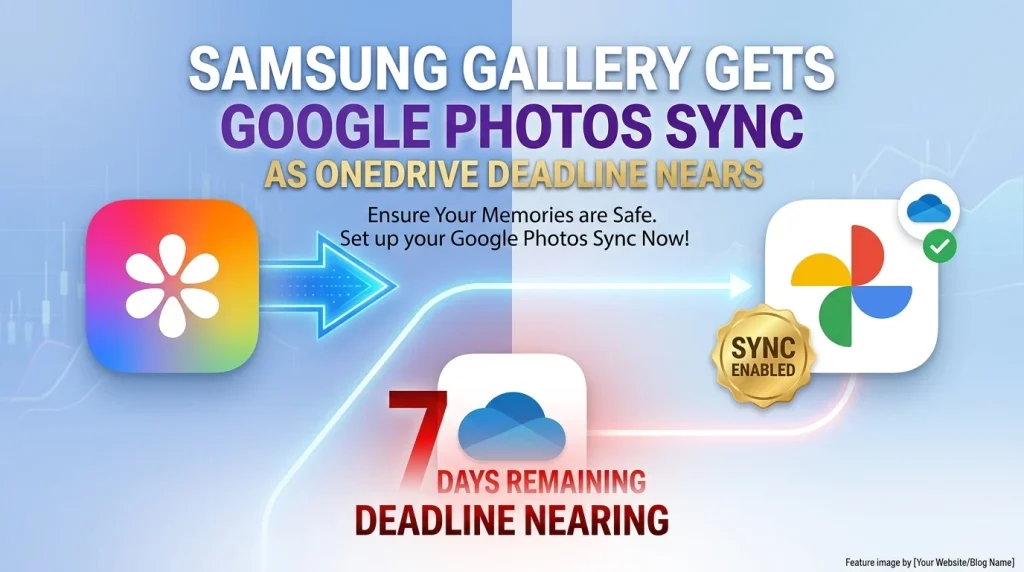
Samsung Gallery is beginning to roll out Google Photos integration just days before its direct Microsoft OneDrive sync is due to end on September 30, 2026. For Galaxy users, the important point is that this is a new cloud-sync path, not an automatic migration of an existing OneDrive library. Microsoft says photos and videos already stored in OneDrive will remain there after the Gallery connection ends.
The rollout is still reaching users progressively. Reports based on current Samsung Gallery and Gallery Cloud Sync builds indicate that the new option appears after the relevant apps are updated, so two Galaxy devices may not receive it at exactly the same time. This article separates the confirmed OneDrive shutdown from the newly rolling-out Google Photos behavior and explains what users should check before the cutoff.
What is changing in Samsung Gallery?
- OneDrive deadline: Microsoft officially states that Samsung Gallery will stop syncing directly with OneDrive from September 30, 2026.
- Existing OneDrive files are not deleted: Microsoft says photos and videos already stored there remain safe and accessible through OneDrive.
- Google Photos integration is rolling out: current Samsung Gallery and Gallery Cloud Sync updates add a Google-based sync option for eligible Galaxy users.
- No automatic OneDrive-to-Google migration: enabling the new service should not be treated as moving an existing cloud-only OneDrive library into Google Photos.
- Rollout is staged: availability can depend on receiving the required Samsung app updates.
Samsung Gallery: OneDrive vs the new Google Photos sync
| Question | OneDrive integration | Google Photos integration |
|---|---|---|
| Current status | Direct Gallery sync ends September 30, 2026 | Rolling out progressively to eligible Galaxy users |
| Cloud account | Microsoft account / OneDrive | Google account / Google Photos |
| Existing cloud library | Existing files remain in OneDrive after the Gallery connection ends | Does not automatically import the user’s existing OneDrive library |
| Album controls | Legacy Gallery integration supported selected album syncing | Current rollout reports show selectable albums plus sync controls |
| If you want to keep using the old cloud provider | Microsoft recommends OneDrive Camera Backup after direct Gallery sync ends | Not applicable; this is the new Gallery-integrated option |
What happens to your OneDrive photos after September 30?
The shutdown does not mean Microsoft deletes your existing photos. Microsoft’s support documentation says previously stored photos and videos remain safe and unchanged in OneDrive. What disappears is the direct Samsung Gallery connection: cloud-only OneDrive photos will no longer appear in Gallery through that integration.
If you want to continue using OneDrive for new photo backups, Microsoft recommends enabling Camera backup in the standalone OneDrive app and granting it access to your photos and videos. That keeps OneDrive as your backup destination, but it is separate from Samsung Gallery’s old built-in sync workflow.
How the new Google Photos integration works
Reports from the current rollout show a new Sync with Google option inside Samsung Gallery after the required Samsung apps are updated. SamMobile identifies Samsung Gallery version 15.9.01.7 and Gallery Cloud Sync version 1.6.09.31 in the initial rollout. Because app distribution is staged, those version numbers describe the observed rollout rather than a guarantee that every Galaxy device or region receives the feature immediately.
After linking a Google account, users can see Google-account storage information, start or pause syncing, control network conditions and choose albums to sync. Media backed up through this Samsung integration can then be available through Google Photos and on compatible Galaxy devices using the same Google account.
There is an important limitation: this does not simply turn Samsung Gallery into a viewer for every photo that has ever existed in your Google Photos account. Current testing reports indicate that media already uploaded to Google Photos from unrelated devices or sources does not automatically populate Samsung Gallery. The integration is centered on media handled through Samsung’s Gallery cloud-sync path.
Do you need to move your OneDrive library manually?
Do not assume the new Google option migrates old cloud-only OneDrive files. Microsoft confirms those files stay in OneDrive, while the new Samsung-Google integration is a separate service. If you have important photos that exist only in OneDrive and you want them stored somewhere else, verify that you have an accessible copy before changing your backup setup.
Users who are happy with OneDrive do not have to abandon it. They can use OneDrive’s own Camera Backup feature after the Gallery integration ends. Users who prefer tighter integration with Samsung Gallery can evaluate the Google option once it becomes available on their device. Running multiple backup systems can also create duplicate copies or confusing deletion behavior, so it is worth deciding which service is intended to be the primary backup.
Deletion and storage deserve extra attention
Cloud synchronization is different from a one-way archival copy. Under Samsung’s previous OneDrive integration, Microsoft documented bidirectional behavior for synced files, including deletion propagation in supported cases. Users should therefore read the on-device prompts for the new Google integration before deleting large groups of photos from either app.
The Google-based option also uses storage associated with the selected Google account. That makes account selection important, particularly for users who have several Google accounts on one Galaxy phone. Before enabling sync, check which account has sufficient storage and is intended to hold the photo library.
What Galaxy users should do before September 30
- Open OneDrive and confirm that important photos already backed up there are accessible.
- Decide whether you want to continue with OneDrive Camera Backup or use Samsung Gallery’s new Google sync when it becomes available.
- Update Samsung Gallery and related Samsung cloud-sync components through normal Samsung update channels.
- If the Google option appears, confirm the Google account and album selections before enabling it.
- Do not delete cloud-only OneDrive files under the assumption that the new Google integration has copied them automatically.
How this fits Samsung’s 2026 software changes
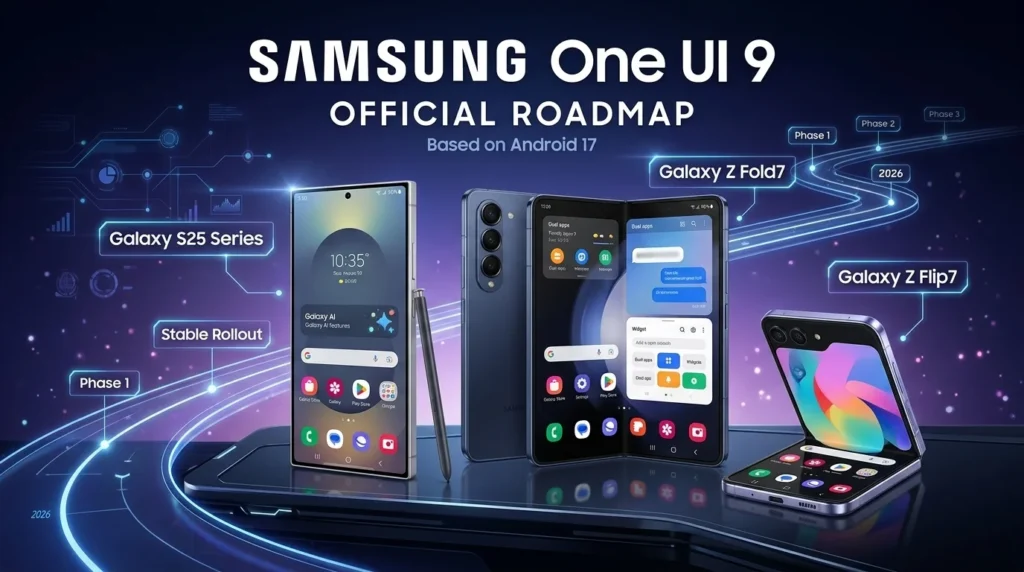
The Gallery transition arrives during Samsung’s wider Android 17 software cycle. PhoneSpecX has separately covered the One UI 9 stable rollout and its major Galaxy features. Buyers considering newer hardware can also see our Galaxy S26 FE India price and sale guide and the Galaxy A18 4G specifications and pricing.
The Gallery change is not a reason by itself to upgrade a phone. It is primarily a cloud-service transition. The practical question is whether your particular Galaxy device receives the new Samsung app components and whether Google Photos or OneDrive better matches your existing storage workflow.
Frequently asked questions
When does Samsung Gallery stop syncing directly with OneDrive?
Microsoft says direct Samsung Gallery-to-OneDrive sync ends on September 30, 2026.
Will Samsung or Microsoft delete my existing OneDrive photos?
No. Microsoft states that photos and videos already stored in OneDrive remain safe and unchanged. They simply stop appearing through Samsung Gallery’s direct OneDrive integration after the cutoff.
Does Samsung Gallery now sync with Google Photos?
The new integration is rolling out to eligible Galaxy users through updated Samsung Gallery and Gallery Cloud Sync components. Availability is staged, so it may not appear on every device at the same time.
Will all my old Google Photos appear in Samsung Gallery?
Not necessarily. Current rollout documentation and testing indicate that the integration is focused on media backed up through Samsung Gallery’s new sync path rather than turning Gallery into a complete browser for every pre-existing Google Photos item.
Can I keep using OneDrive for Galaxy photo backup?
Yes. Microsoft recommends enabling Camera Backup in the OneDrive app if you want new Galaxy photos to continue backing up to OneDrive after the direct Gallery integration ends.
Sources and References
- Microsoft Support — Changes to Samsung Gallery sync and OneDrive (last updated May 14, 2026; accessed September 23, 2026)
- Microsoft Support — Using Samsung Gallery with OneDrive (accessed September 23, 2026)
- 9to5Google — Samsung Gallery Google Photos sync rollout details (September 18, 2026)
- SamMobile — How Google Photos backup works in Samsung Gallery (September 18, 2026)