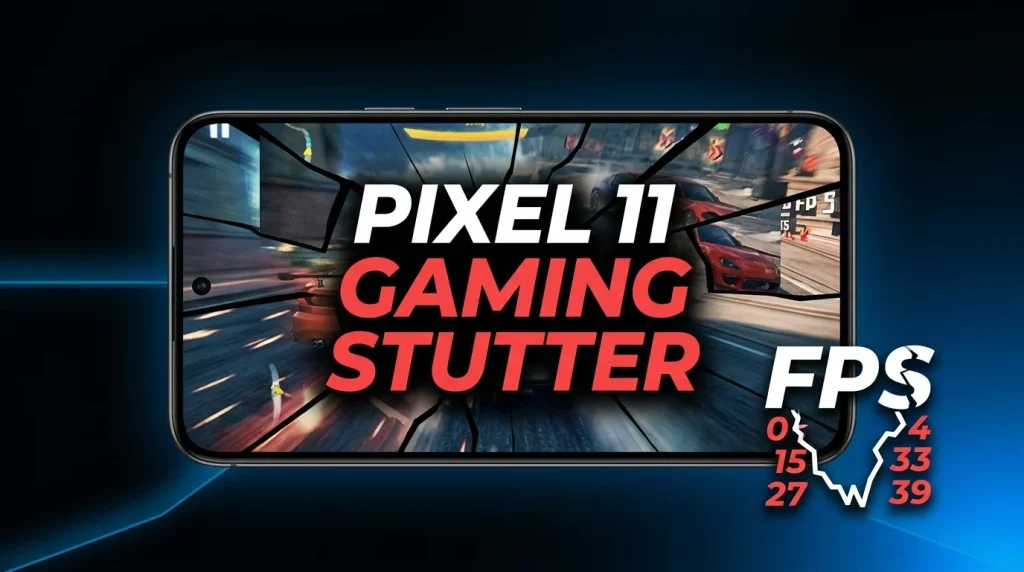
Independent testing has identified a specific graphics-path issue that can make some games stutter on the Google Pixel 11 series: ANGLE, Android’s OpenGL ES-to-Vulkan translation layer, is being used as the default OpenGL ES implementation on the tested Pixel 11 Pro XL. In Android Authority’s repeatable Genshin Impact test, switching that game from ANGLE to the native graphics path sharply reduced the largest frame-time spikes. This is useful troubleshooting evidence, not proof that every Pixel 11, every game, or ANGLE itself is universally faulty.
What the testing actually found
- Android Authority observed pronounced jank and microstutter in Genshin Impact on a Pixel 11 Pro XL with ANGLE active.
- The outlet verified ANGLE use through Android’s developer diagnostics and found it active for several tested games and emulators on that Pixel 11 Pro XL.
- Changing Genshin Impact to the native graphics option reduced the largest frame-time spikes in that test, although performance still was not perfectly locked to 60fps.
- Google’s Android documentation independently confirms that ANGLE runs OpenGL ES over Vulkan and is part of Android’s longer-term graphics-stack direction.
The distinction matters: the evidence supports a workload-specific troubleshooting lead, not a blanket conclusion that Tensor G6 or the Pixel 11 GPU is defective.
ANGLE vs native graphics on the tested Pixel 11 Pro XL
| Question | ANGLE default path | Native option in the test |
|---|---|---|
| Genshin Impact frame pacing | Repeated large frame-time spikes and visible microstutter were observed. | Large spikes were dramatically reduced in Android Authority’s test. |
| Perfect 60fps? | No. | No; switching paths improved the tested stutter but did not create a perfectly locked 60fps result. |
| What it proves | ANGLE was a significant contributor in this specific test. | The alternative path can be a useful per-app diagnostic workaround. |
What ANGLE is and why Google is using it
ANGLE is not simply a Pixel gaming feature. Google’s Android developer documentation describes it as a layer that runs OpenGL ES on top of Vulkan. Vulkan is now Android’s preferred low-level graphics interface, while OpenGL ES remains supported. Google says moving more devices toward ANGLE can standardize the OpenGL implementation for compatibility and, in some cases, performance.
Google’s roadmap also says ANGLE will ship as the GL system driver on more new devices, with an eventual expectation that OpenGL ES will be available through ANGLE while OpenGL ES support continues. Android 17 additionally lets developers request ANGLE as the GLES driver through an application manifest preference.
Why a translation layer can expose game-specific problems
An OpenGL ES game using ANGLE can keep making OpenGL ES calls while ANGLE translates them into Vulkan commands. That architecture has strategic benefits, but a new graphics path can expose interactions among a particular game, shader workload, driver and GPU.
In the Pixel 11 Pro XL test, Android Authority found the biggest hitches around changing rendering workloads and reported much smoother frame delivery after selecting the native path for Genshin Impact. The outlet proposed pipeline or shader preparation as a plausible explanation, but did not establish that mechanism as the confirmed root cause of every hitch. PhoneSpecX therefore does not present it as settled fact.
Is this a Pixel 11 hardware defect?
There is not enough evidence to say that. A software-path change producing different frame pacing when toggled per app points to a graphics-stack interaction, but it does not by itself diagnose defective hardware. It also does not establish that every Pixel 11 model behaves identically.
For broader device context, see our Google Pixel 11 specifications, price and regional availability coverage and our Pixel 11 Pro evidence-based review. We also previously examined Pixel 11 Pro XL Tensor G6 benchmark results; benchmark scores and frame-time consistency answer different questions, so one should not be substituted for the other.
What Pixel 11 owners can safely try
If a specific OpenGL ES game is visibly stuttering, the most conservative troubleshooting approach is to change the graphics-driver preference only for that app rather than assume the entire phone needs modification. Android Authority’s test used Developer Options → ANGLE Preferences to select the native path for Genshin Impact.
This is an advanced developer setting. Record the original setting first, change only the affected app, and revert it if stability or graphics regress. Results can differ by game and software build. A workaround that helped Genshin Impact in one controlled test is not a guaranteed performance boost for other titles.
What remains unknown
There is no evidence here that every Pixel 11 game is affected, that every Pixel 11 model has identical behavior, or that ANGLE is always slower than a vendor-native OpenGL ES path. Google’s own documentation explicitly notes that ANGLE can improve compatibility and sometimes performance. It is also not established that the observed Pixel 11 behavior will persist after future Google, driver or game updates.
The most useful conclusion today is narrower: on the tested Pixel 11 Pro XL, ANGLE was strongly associated with Genshin Impact’s large frame-time spikes, and a per-app native setting materially improved frame pacing. That makes the graphics path worth checking when diagnosing similar symptoms.
FAQs
Does the Pixel 11 use ANGLE for OpenGL ES?
Android Authority verified ANGLE as the default OpenGL ES implementation on its tested Pixel 11 Pro XL. Google’s Android documentation confirms the broader plan to ship ANGLE as the GL system driver on more new devices.
Does disabling ANGLE make every Pixel 11 game faster?
No. The reported improvement was demonstrated with Genshin Impact in specific testing. Different games can use different graphics APIs and workloads, so results should not be generalized.
Is Vulkan itself the problem?
The evidence does not support that conclusion. Google describes Vulkan as Android’s preferred graphics interface. The reported issue concerns frame pacing in a specific OpenGL ES-to-Vulkan ANGLE path and workload.
Should Pixel 11 owners permanently change developer settings?
Not by default. A per-app change is better treated as troubleshooting for an affected game. Keep the original setting documented and revert if the change causes problems.