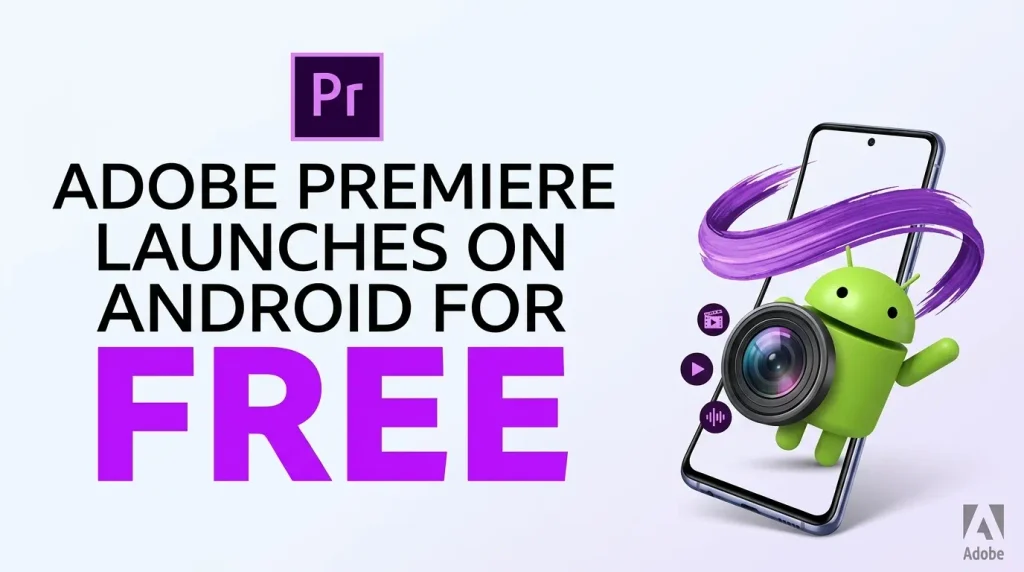
Adobe Premiere is now officially available on Android, bringing Adobe’s touch-first mobile video editor to phones and tablets running Android 13 or later. The core editor is free, does not force users to sign in, contains no ads, and can edit and export video at up to 4K without adding a watermark. Adobe announced the Android release on September 22, 2026.
The important caveat is that not every feature is free or finished. Firefly-powered generative tools use generative credits, extra cloud storage is an optional paid upgrade, and several capabilities—including keyframes, enhanced captions, Adobe Fonts and continuing an Android project in Premiere on desktop—are still listed as coming later.
Adobe Premiere for Android: key highlights
- Free core video editor with no forced login, ads or export watermark.
- Multi-track timeline for video, music, voiceovers, text and effects.
- Frame-accurate editing and Enhance Audio for reducing distracting background noise.
- Editing and export at up to 4K resolution.
- Creator templates, transitions, effects, music and Adobe Stock assets.
- Firefly generative features including Generative Fill, Image-to-Video and Generate Sound Effects, with generative-credit limits.
- Android 13 or newer and at least 5GB of RAM are required.
Official Android requirements
Adobe’s technical-requirements page sets a higher floor than many basic mobile editors. A supported Android phone or tablet needs Android 13 or later and at least 5GB of RAM. Adobe also says Wi-Fi or cellular connectivity is needed for creative-asset libraries, generative AI and other cloud-based functions.
| Requirement | Adobe specification |
|---|---|
| Operating system | Android 13 or later |
| Memory | At least 5GB RAM |
| Supported device types | Android phones and tablets meeting the requirements |
| Network for cloud functions | Wi-Fi or cellular; Adobe specifies 4G minimum and recommends 5G for cloud-dependent functions |
| Maximum stated edit/export resolution | Up to 4K |
Meeting the minimum requirements does not mean every phone will process demanding 4K projects at the same speed. Chipset performance, available storage, thermal limits and the complexity of a timeline can still affect the editing experience. That distinction matters when comparing newer Android hardware, including devices receiving major platform updates such as the Galaxy S26 series with One UI 9.
What is actually free?
Adobe describes the mobile app as free and says users can create and edit without a forced login or upgrade prompts. The standard workflow includes the multi-track timeline, frame-accurate cuts, templates, effects, transitions, audio tools and up-to-4K exports. Adobe specifically promotes the experience as ad-free and watermark-free.
That makes the distinction between the editor and Adobe’s optional services important. The basic editing experience is not being presented as a short trial. Instead, Adobe says upgrades are available for additional generative credits and storage.
What the mobile editor can do
The timeline can layer video, music, voiceovers, text and effects in one project. Enhance Audio is designed to reduce distracting background noise and improve speech clarity, while frame-accurate controls let users make more precise cuts than a simple clip-based social editor.
Adobe also includes creator-made templates and access to effects, transitions, music and other creative assets. For creators working directly from a phone, the practical benefit is that a project can move from recorded footage to a finished 4K export without requiring a desktop for the core editing workflow.
Screen size still matters. Adobe has built the Android app for multiple device types, and larger displays can make a multi-track timeline easier to navigate. Users considering foldable hardware for mobile creation can also see how current large-screen devices differ in our Galaxy Z Fold8 vs Z Fold8 Ultra comparison.
Firefly AI features are a separate part of the value proposition
Premiere mobile includes Firefly-powered generative tools such as Generative Fill, Image-to-Video and Generate Sound Effects. These features can help create or modify assets, but they should not be confused with the free core editor. Adobe says additional generative credits are available as an upgrade, so frequent AI generation can introduce a cost even when ordinary timeline editing and export remain free.
This split is useful for buyers evaluating whether the app fits their workflow: someone who mainly trims footage, layers audio and exports videos can use a different part of the product than a creator who regularly generates new assets with AI.
Important features are still coming
The Android release is substantial, but Adobe’s own announcement identifies several capabilities that are not yet part of the current feature set. Adobe Fonts, enhanced captions, keyframes, additional cropping tools, beat detection and the ability to continue editing a mobile project in Premiere on desktop are all listed as coming later.
That means creators who depend on keyframe-heavy animation or a phone-to-desktop handoff should verify the current app before moving an established workflow. Adobe has announced those features, but it has not provided a specific release date for each one in its September 22 announcement.
How significant is the Android launch?
The release gives Android users a first-party Adobe editor positioned much closer to modern creator workflows than a basic clip trimmer. More importantly, Adobe is removing several common restrictions from the core experience: there is no mandatory subscription for ordinary editing, no forced account login, no advertising and no watermark on standard exports.
The tradeoff is hardware demand. Android 13 and 5GB RAM exclude older and lower-memory devices, while intensive 4K editing can reasonably be expected to benefit from stronger processors and more free storage. PhoneSpecX has also covered how current mobile chipsets are increasing camera and media capabilities; for example, our Dimensity 9600M explainer examines a recent premium platform’s video and imaging support.
Frequently asked questions
Is Adobe Premiere free on Android?
Yes. Adobe says the core Premiere mobile editor is free. Optional upgrades are available for additional generative AI credits and cloud storage.
Does Premiere for Android add a watermark?
No. Adobe explicitly describes the Android mobile editing experience as watermark-free.
Can Premiere for Android export 4K video?
Yes. Adobe says the app supports editing and exporting video at up to 4K resolution.
What Android version and RAM are required?
Adobe requires Android 13 or later and at least 5GB of RAM.
Can I start a project on Android and continue it in desktop Premiere?
Not yet according to Adobe’s September 22, 2026 announcement. Continued editing on Premiere desktop is among the features Adobe says are coming later.
Sources and References
- Adobe Blog — Premiere expands to Android: Fast, powerful, easy mobile video editing (September 22, 2026)
- Adobe Help — Premiere mobile technical requirements (updated September 22, 2026)
- WIRED — Adobe Premiere is now on Android (September 22, 2026)
- 9to5Google — Adobe Premiere for Android launches for free (September 22, 2026)